Your connected
world.
Ready to go.
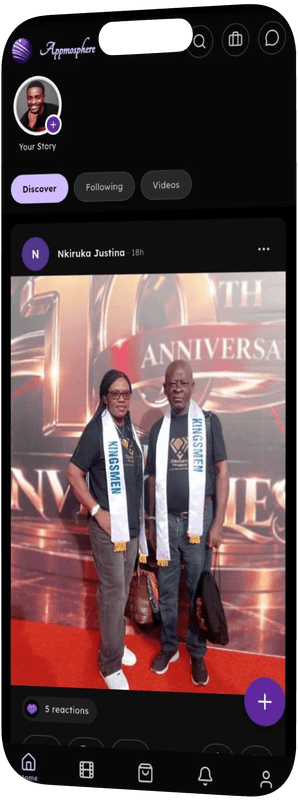
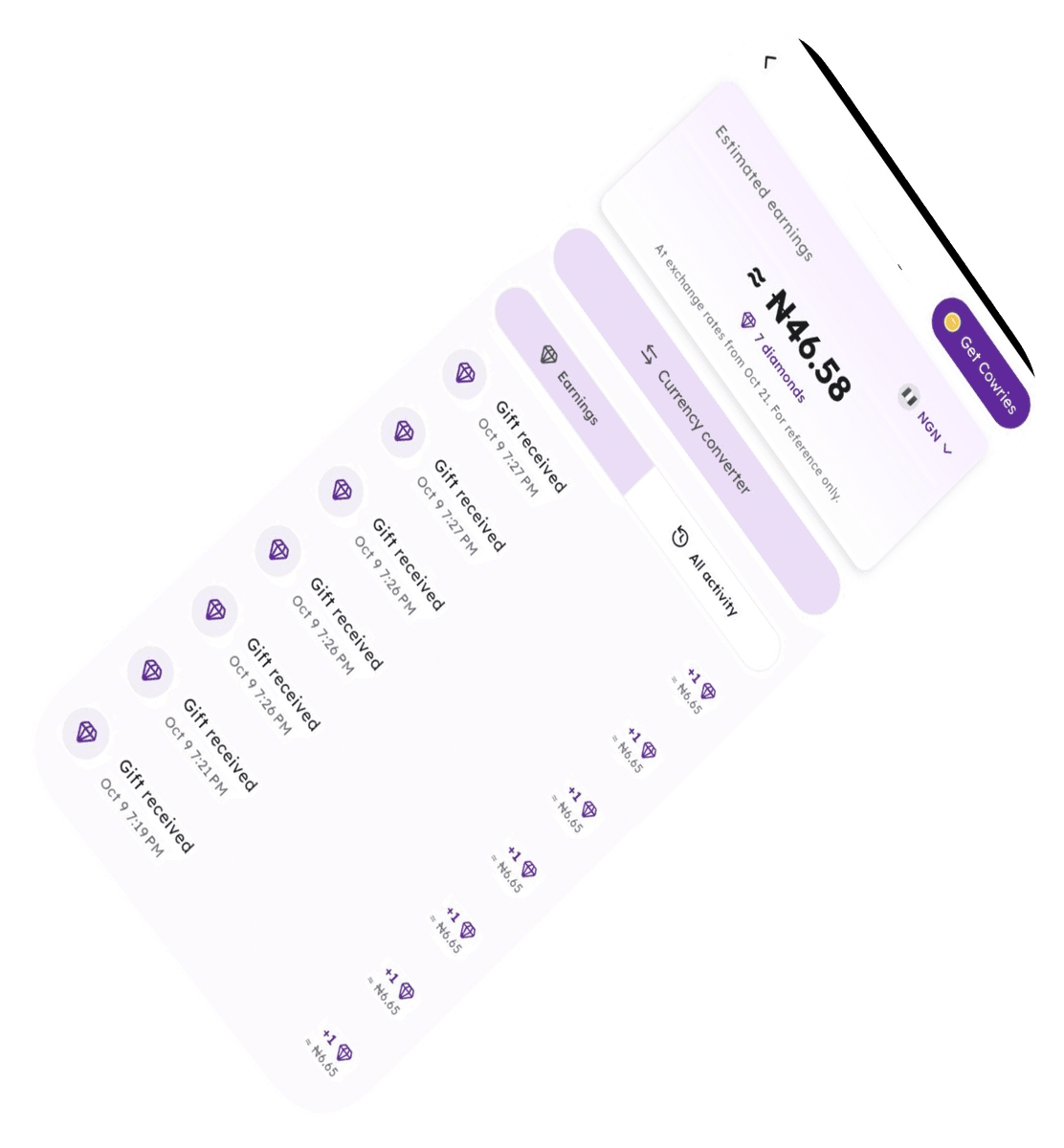
Meet people. Share your creativity. Discover opportunities. Take Appmosphere with you.


A new possibility
is a download away.
Choose the option for your device. Check the relevant store listing for current availability and compatibility.

Android app stores
Find Appmosphere across official manufacturer and partner app stores.
See each store listing for device requirements and version updates.
Apple App Store
Open the App Store to explore Appmosphere for your iPhone or iPad.
 Download on theApp Store
Requires iOS 15.0 or later. Compatible with iPhone and iPad.

Direct Download APK
A direct alternative download option for all Android devices.
Download APKPackage Version: v1.0.12
Review your device’s security installation prompts before opening.

Make yourself at home.

Get the app
Choose the download option for your device and follow the installation steps shown.

Set up your profile
Open Appmosphere, create your account, and introduce yourself through your profile.

Find your first spark
Explore content, connect with people, and discover the features that match your interests.

Take a moment to review our Terms & Conditions, Privacy Policy, and Community Guidelines before you take part.

Download questions,
answered.
Check the relevant app store listing for current device compatibility and operating system requirements. Available on iOS, Huawei AppGallery, Xiaomi GetApps, Samsung Galaxy Store, PalmStore, APKPure, and Aptoide.
The APK is an alternative direct Android installation file. The version listed here is v1.0.12. Review your device’s installation prompts and use the official download provided by Appmosphere.
Review the store or device message, check compatibility, and confirm that your device has space for the installation. Visit Help & Support if you need more guidance.
Visit Features for an overview of social features, messaging, live experiences, Trade Hub, and creator features. Community is a good place to learn how to start participating.

Your next step
should be a clear one.
Need help with downloading or getting started? Find guidance in Help & Support.
Help & Support